The easiest way to highlight web pages.
MarklyKit is a browser extension that lets you highlight, annotate, and take notes on any website. Save your research, revisit your highlights, and stay organized — without leaving the page.
 Add to Chrome — Free
The Workflow
Capture
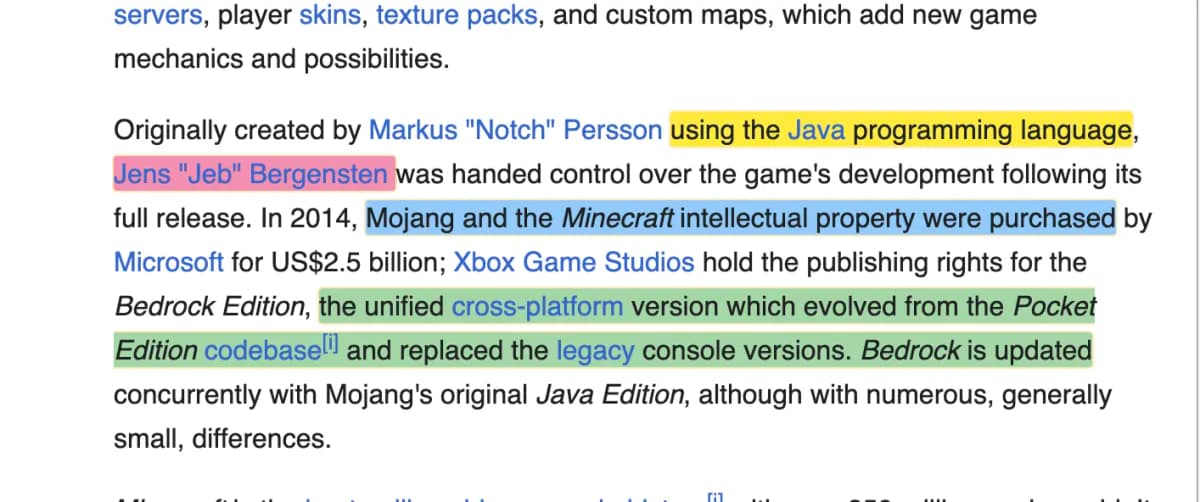
Highlight text or draw on any page element. Your highlights stay exactly where you placed them, even when the page updates.
Synthesize
Add sticky notes and connect ideas across multiple pages. Turn scattered highlights into clear, structured insights.
Connect
Plug your research into Claude, ChatGPT, or Grok via MarklyKit's built-in MCP server. Let the AI search, summarize, and reason over what you've saved.
Archive
Export your annotated workspace as a searchable, citation-ready PDF for archiving, review, or sharing.
Core Capabilities
Everything for the expert.
Semantic Highlighting
Your highlights stay pinned to the exact text you selected — even when a website updates its layout or redesigns its pages.



Claude, ChatGPT & Grok Connectors
Pipe your highlights, notes, and folders straight into Claude, ChatGPT, or Grok through MarklyKit's built-in MCP server.
Research PDFs
ProExport your highlights and notes as citation-ready academic PDFs, ready for permanent archiving or sharing with colleagues.
Sticky Notes
Layer your insights directly over page elements. Drag, drop, and anchor thoughts anywhere on the live web.
Built for the way you work
Researchers
Highlight key passages, add inline notes, and export annotated sources directly from your browser — no copy-pasting required.
Students
Mark up readings, save important quotes, and revisit your notes when studying — all without leaving the page.
Developers
Annotate documentation, flag issues in specs, and share highlighted snippets with your team in seconds.
Simple, transparent plans.
Focus on your research, not your bill.
Free
For individual researchers and hobbyists.
- Universal Highlighting
- Vector Sketching Gear
- Local-first Storage
- Chrome, Edge, Brave
$7.99
/moSync your research to the cloud, unlock sticky notes and PDF export, and plug Claude, ChatGPT, or Grok into your highlights through MarklyKit's MCP server.
- Unlimited Sticky Notes
- Research PDF Export
- Claude, ChatGPT & Grok Connectors
- All Notes Sidebar
- MCP Server + API Access
- Priority Logic Support
Frequently Asked Questions
Start highlighting the web for free.
Join 20,000+ researchers, students, and developers who use MarklyKit to capture and organize what matters.
No credit card required. Setup in 30 seconds.